

Choose where the original video will live
There are two valid starting points. Publish natively on one platform and let an automatic flow distribute eligible new content, or compose in Ferryman and select the connected destinations yourself. Do not use both to independently publish the same destination copy. For the automatic example in this guide, YouTube is the origin, so the YouTube upload already exists; the flow adds Instagram and TikTok copies rather than uploading a second YouTube version.
The screenshot below shows Ferryman's actual settings UI with local demonstration accounts and a simulated YouTube-to-Instagram-and-TikTok flow. No platform received a post during that capture. It illustrates the route controls, not a successful live upload or a performance result. The separate Dorian case study later in this guide supplies an existing public example of YouTube-origin distribution.

Check accounts and publishing modes first
Automatic video flows require Creator, Pro, or Max access. Connect the Google account that owns the YouTube channel, a supported professional Instagram account, and the intended TikTok account through their documented connection flows. Native access and API authority are not always equivalent: an invited YouTube Studio manager does not automatically have the API access needed to authorize a publisher.
Choose the meaning of completion for each destination. Instagram's supported feed video route publishes as a Reel. TikTok can publish directly or send supported media to the inbox for native completion. If YouTube is a destination in a direct-composition workflow, Ferryman offers public or private upload; private review is not a native draft object. A scheduled transfer to a review surface does not guarantee a person completes the public release at that instant.
| Destination | Check before submitting | What completes the workflow |
|---|---|---|
| YouTube Shorts | Channel-owner authorization; compatible vertical video up to 180 seconds | A verified public Short, or a deliberately private Studio review upload |
| Instagram Reels | Professional account; supported video and caption; required publishing permissions | A visible Reel with working media |
| TikTok | Account-supported duration, visibility, and direct-versus-inbox mode | A direct post, or completion of the inbox handoff inside TikTok |
Prepare a clean master and intentional destination versions
Start with footage and audio you own or have permission to use on all three destinations. Keep the editable project and clean export before adding destination-specific music or effects. A song available in one native editor does not establish the right to distribute it elsewhere. For a first test, a short portrait clip with clear audio and no native-only finishing is easier to diagnose than a complex project with several moving parts.
A 30-second 1080-by-1920 MP4/H.264 clip is an illustrative test asset, not a guaranteed acceptance preset. Check the actual codec, duration, file size, framing, and audio, then use the current integration limits. Ferryman's YouTube destination is vertical Shorts up to 180 seconds; a longer source permitted by a paid plan does not override that destination cap. Avoid re-exporting blindly when an error actually concerns authorization or file retrieval.
Write a useful opening and next step for each platform. YouTube says ordinary URLs in Shorts descriptions and comments are non-clickable, so a caption copied from another network can make a false promise to 'click below.' Point to a supported profile or related-video path when appropriate. Review important on-screen words against native overlays and preserve your caption source so a new crop does not require rebuilding accessibility information.
Set up and verify one route before scaling
For the automatic route, connect the accounts in Settings, add a flow, select the YouTube origin account, choose Shorts discovery where available, and enable the Instagram and TikTok destinations. Check the account attached to each destination and its publishing mode. Confirm the flow is enabled before publishing the representative new original. Use supported backfill separately for older library content rather than assuming a new-post flow imports your entire archive.
For direct composition, choose the intended YouTube, Instagram, and TikTok accounts in Create, add the owned video, inspect each destination preview and settings, and publish or schedule once. The direct path gives you a different review point from automatic sync. Choose it when the content needs destination-specific attention before release. Inspect each result even if one combined action started the work.
- Choose automatic source distribution or direct composition for this release.
- Verify the account identity, media rules, and publication mode for every destination.
- Use one harmless owned clip and record the operation time.
- Open the finished posts, play the video, check the caption and visibility, and save the URLs.
- Resolve processing, review handoffs, or failures individually before increasing volume.
An existing public example: Dorian's YouTube-origin distribution
Ferryman's Dorian Develops case study documents a creator publishing on YouTube while distributing videos to TikTok, Instagram, and Facebook. Its comparison entries link YouTube originals to TikTok destination posts. That is useful evidence of a real distribution use case, separate from the simulated settings screenshot above. It is not evidence that every possible three-platform combination will succeed for every account.
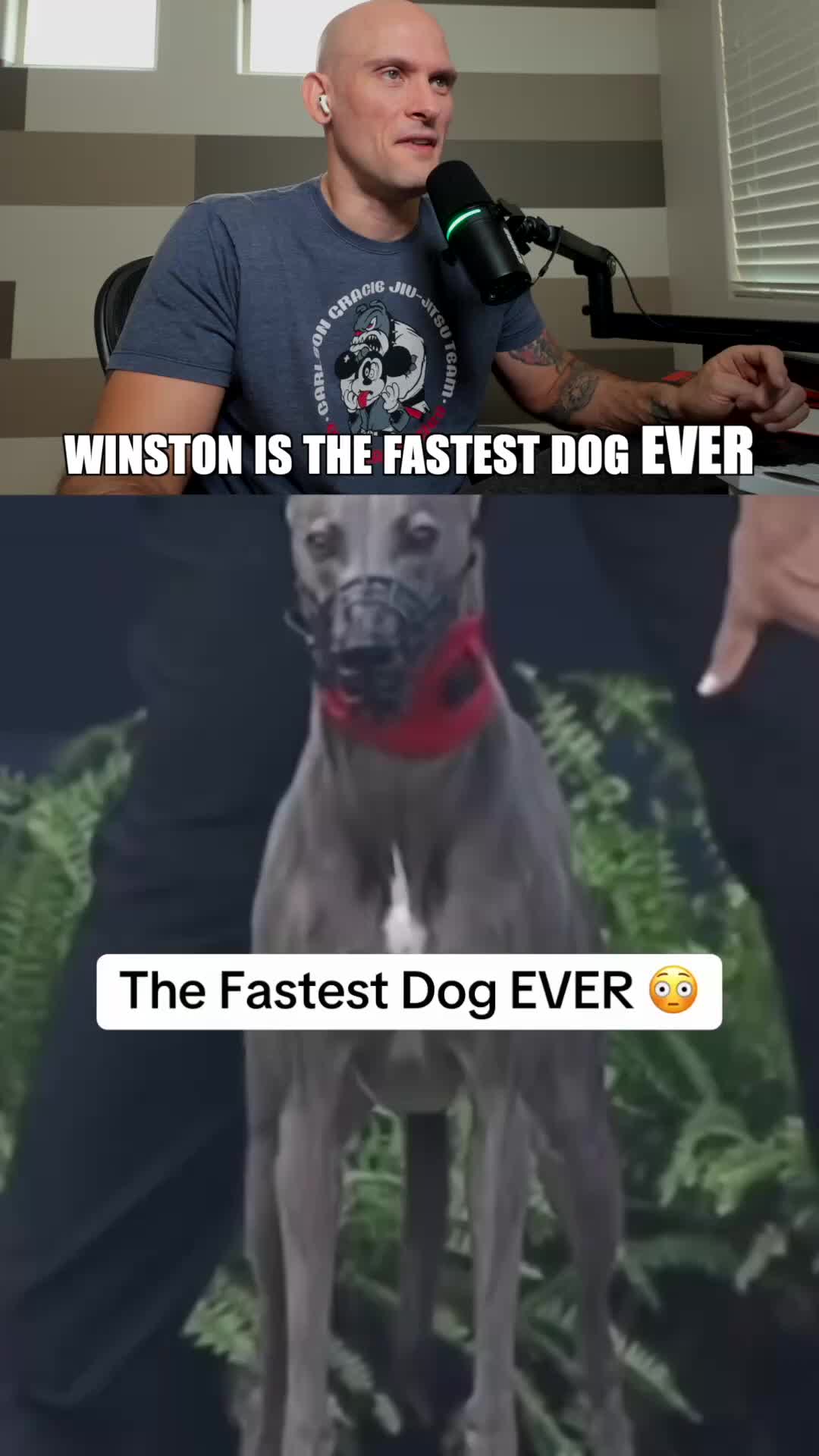
For example, the study pairs the YouTube video 'Winston is the fastest dog EVER' with its TikTok copy. The linked study records its public-count snapshot as July 27, 2026; those counts are historical observations, not a forecast for your content. Open the source and destination links to inspect the example. The evidence here supports a workflow illustration, not a causal claim that cross-posting alone produced a particular audience result.
Treat each destination as a separate outcome
A completed upload is not always a playable public post. Processing may still be underway, or TikTok may be waiting for a person to complete an inbox item. Save the original operation and check the destination before submitting again. If Instagram is already published and TikTok has a terminal failure, preserve the successful Instagram copy and resolve the failed destination instead of replaying the entire campaign.
Keep a simple ledger with the intended account, publication mode, observed status, final URL, and next action. Use the recovery guide below for Ferryman's direct-post partial-failure example, but do not assume every automatic or scheduled workflow exposes the same button. Once the small route is reliable, expand deliberately. The gain is a repeatable distribution process, not a promise that every copy earns the same reach.
FROM GUIDE TO WORKFLOW
Explore this workflow in Ferryman
Automate eligible video distribution
Review Ferryman's native-origin flows and plan-dependent video support before enabling recurring distribution.
Compose and preview destination versions
Choose direct composition when you want to review each destination's version before sending the post.
Sources & further reading
Written by Ferryman. Sources checked Oct 17, 2026. Platform rules can change; consult the linked documentation for current requirements.
- Ferryman: YouTube origin and destination rules
- Ferryman: Instagram account and media requirements
- Ferryman: TikTok direct and inbox publishing
- Ferryman: Dorian Develops public case study
- YouTube: Channel permissions and API limitations
- YouTube: Clickable link placements
- TikTok: Upload handoff and native completion