

01
Shorts as an origin
Detect eligible public, processed short-form uploads automatically.
 Video distribution
One channel, more video audiences
Use public YouTube Shorts or plan-supported long-form videos as an automatic origin, and publish eligible vertical short-form video back to YouTube.
Set up in minutes. Cancel anytime during your trial.






01
Monitor public, processed Shorts, long-form videos, or both within your plan's duration limit.
02
Upload eligible vertical short-form video publicly or privately for Studio review.
03
Ferryman-created YouTube uploads are excluded from automatic origin discovery.
How it works
Choose Shorts, Long-form, or Both for YouTube-origin flows. Destination publishing remains focused on compatible vertical Shorts.
Authorize the Google account that owns the YouTube channel.
Select Shorts, Long-form, or Both and destinations that support each duration.
Publish eligible destination videos live or privately for YouTube Studio review.
Verified customer result
5.7M+
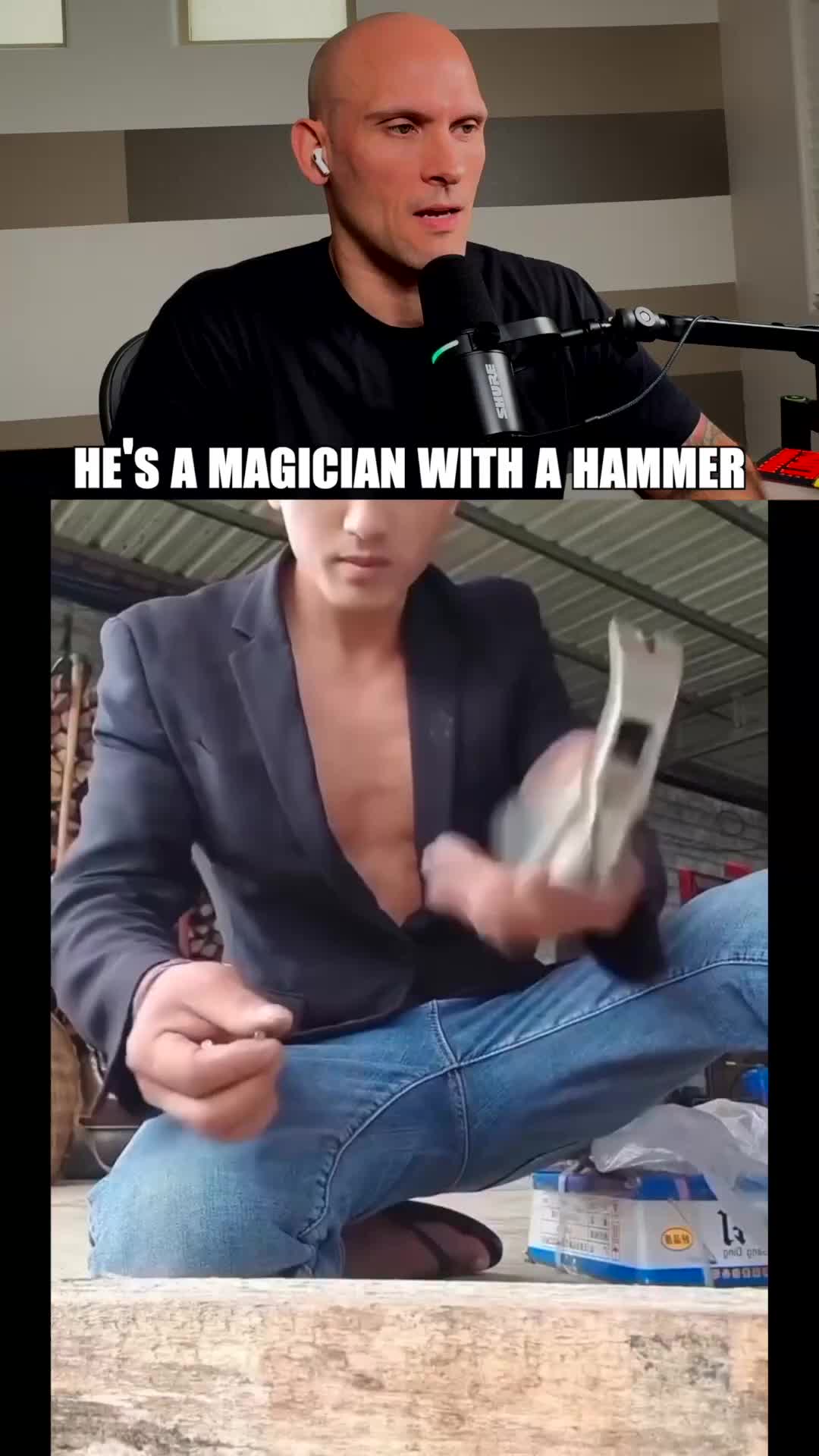
In his first five days, Dorian's measurable Ferryman crossposts generated 5.7M views. He publishes only on YouTube while Ferryman distributes every Short to TikTok, Facebook, and Instagram automatically.

Dorian Develops
Software engineer and video creator
Platform support
The exact behavior depends on the content, connected account, destination requirements, and Ferryman plan.
Detect eligible public, processed short-form uploads automatically.
Distribute public videos up to 10, 20, or 30 minutes according to plan.
Upload compatible vertical videos up to 180 seconds as YouTube destinations.
Send an upload privately so it can be reviewed in YouTube Studio.
Create a YouTube-safe title and description and include #Shorts where appropriate.
Publish through an automatic route, direct post, or schedule.
Platform details
Quick setup
Authorize the Google account that owns the channel.
Configure the source video types and compatible destinations.
Choose public publishing or private Studio review for YouTube uploads.
Popular workflows
Publish eligible TikTok videos to YouTube.
Learn more →Route eligible YouTube videos to Facebook.
Learn more →Distribute supported videos as Instagram Reels.
Learn more →
Add featured stream moments to your video workflow.
Learn more →Yes. Ferryman can monitor new public, processed Shorts or long-form uploads. Source duration limits are 10 minutes on Creator, 20 on Pro, and 30 on Max.
Yes. Eligible vertical videos up to 180 seconds can be uploaded publicly or privately through automatic, direct, and scheduled workflows.
Ferryman uploads the video as private so you can review or edit it in YouTube Studio. It is a private upload rather than a native draft object.
YouTube-origin discovery filters uploads created by Ferryman so they are not picked up and distributed again.
No. A compatible vertical video is required when YouTube is selected as a destination.
Connect your channel, choose the video types and destinations, and let Ferryman handle repeat distribution.