

01
Text posts and links
Publish standalone text and linked posts, with destination limits handled by each workflow.
Keep creating on X. Ferryman automatically carries your text, images, threads, and videos to the other audiences you choose.
Set up in minutes. Cancel anytime during your trial.
One post, every audience





01
Keep using X normally. Ferryman watches for eligible new posts and starts the workflow automatically.
02
Send each post to the social accounts you choose without reopening, copying, or re-uploading anything.
03
Carry text, links, images, alt text, videos, and thread structure into supported destination formats.
Automatic X cross-posting
You should not have to replace the publishing habit that already works. Connect X as an origin, choose your destinations once, and continue posting as usual.
Explore automatic cross-postingNew X content starts the flow without a second publishing step.
Media, text, and thread behavior follow the requirements of each platform.
Choose the accounts in each flow and filter content you do not want distributed.
A real Ferryman workflow
2.9M+
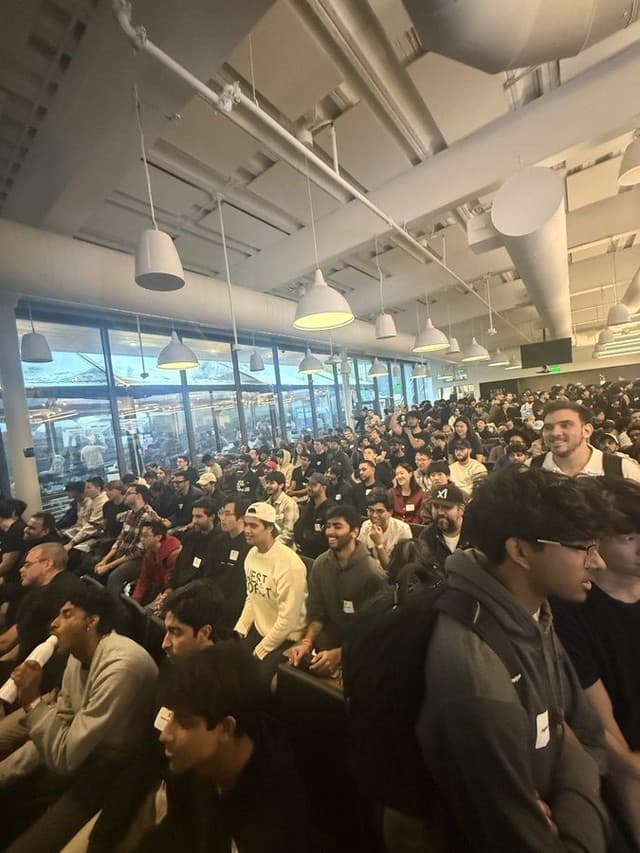
Kevin writes on X and lets Ferryman ferry every post to Threads and Facebook automatically. Those hands-off crossposts took on a life of their own, pulling in 2.9M+ views with zero extra work.

Kevin Naughton Jr.
Software engineer and content creator
Content support
Use X on either side of your workflow: as the place where a post begins, as a publishing destination, or both.
Publish standalone text and linked posts, with destination limits handled by each workflow.
Send single or multi-image posts and retain image descriptions where the destination supports them.
Create, schedule, and cross-post connected X threads instead of flattening every idea into one post.
Move eligible video content through Ferryman's supported video destinations on Creator or higher.
Publish supported quote and repost formats to X from Ferryman's direct publishing workflows.
Let an automatic flow publish immediately, compose directly, or schedule a post for later.
Quick setup
Authorize Ferryman through X so your account can participate in publishing flows.
Connect Bluesky, Threads, LinkedIn, Mastodon, or any other accounts you want to reach.
Choose X as the origin, select destinations and filters, then keep posting normally.
Popular workflows
Yes. Choose X as the origin of an automatic sync flow, select your destination accounts, and keep posting on X normally. Ferryman checks for eligible new posts and publishes them to the destinations you selected.
Yes. X can be an origin, a destination, or both. You can publish to X from another supported origin, compose a multi-platform post in Ferryman, or schedule one for later.
Yes. Ferryman supports text, links, images, image alt text, videos, native reply threads, quote posts, and reposts in supported X publishing workflows. Destination support and account-level limits still apply.
Only the destinations enabled in your flow receive a post. You can also use content filters, and Ferryman skips content that a destination cannot accept, such as a text-only post sent to a media-required platform.
Authorize Ferryman through X, connect any additional destination accounts in Settings, and create a flow with X as the origin or destination. Ferryman stores the resulting credentials encrypted.
Yes. Ferryman includes a seven-day free trial of the Creator plan. You can connect your accounts, configure a flow, and cancel during the trial.
Connect your accounts once. Keep publishing where you are comfortable. Let Ferryman handle the distribution.
Cancel anytime during your trial.