
Post everywhere by only creating on your favorite platform
Ferryman watches the platform where you already create, finds eligible new posts, and publishes them to the destinations you choose.
Cross-posts that took off
Created once. Discovered somewhere new.

Dorian Develops


He's a magician with a hammer
2.6M
views
Hacksore
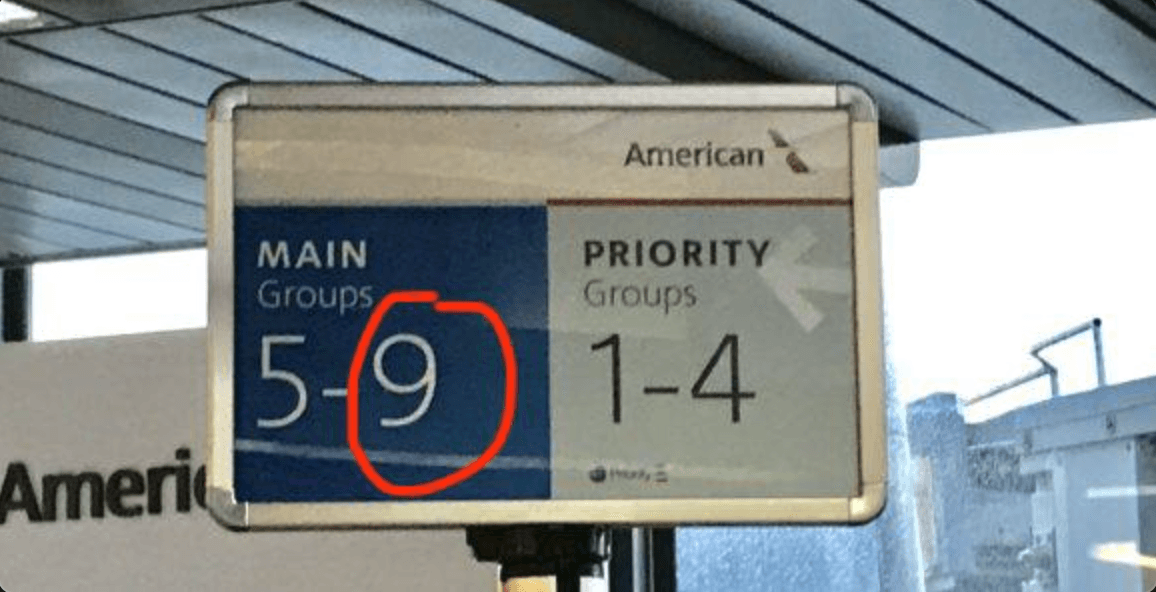
can someone explain how you end up in this boarding group?
2.4M
views

Kevin Naughton Jr.
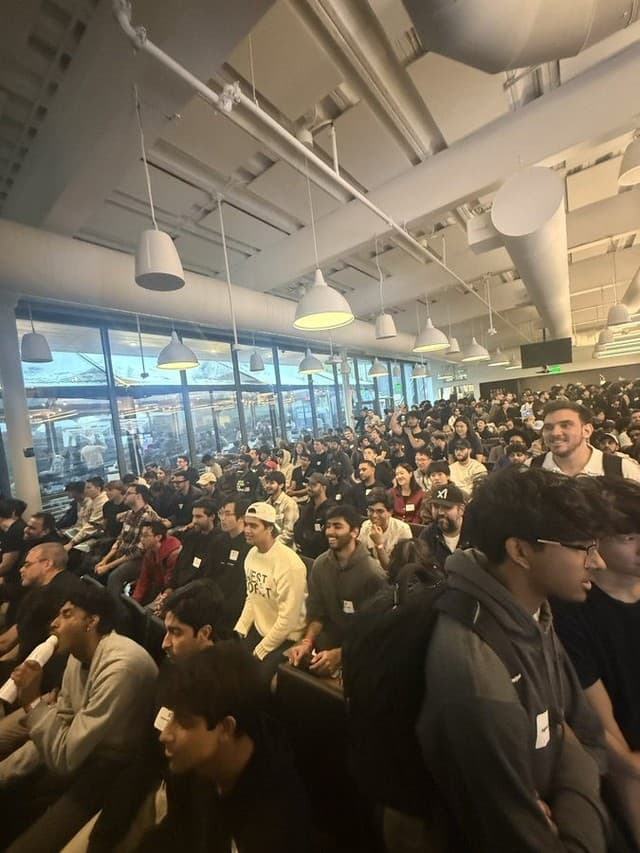
the craziest part of this is that every engineer in this picture believed they were better than every other engineer in this picture with so much confidence that they actually showed up to this hackathon
1.9M
views


Forrest Knight
how it feels setting effort levels for your AI:
897K
views


Varun Rana
I think it's really nice that EDM concerts have a dedicated area for patrons to get work done for their day jobs
441K
views

dax
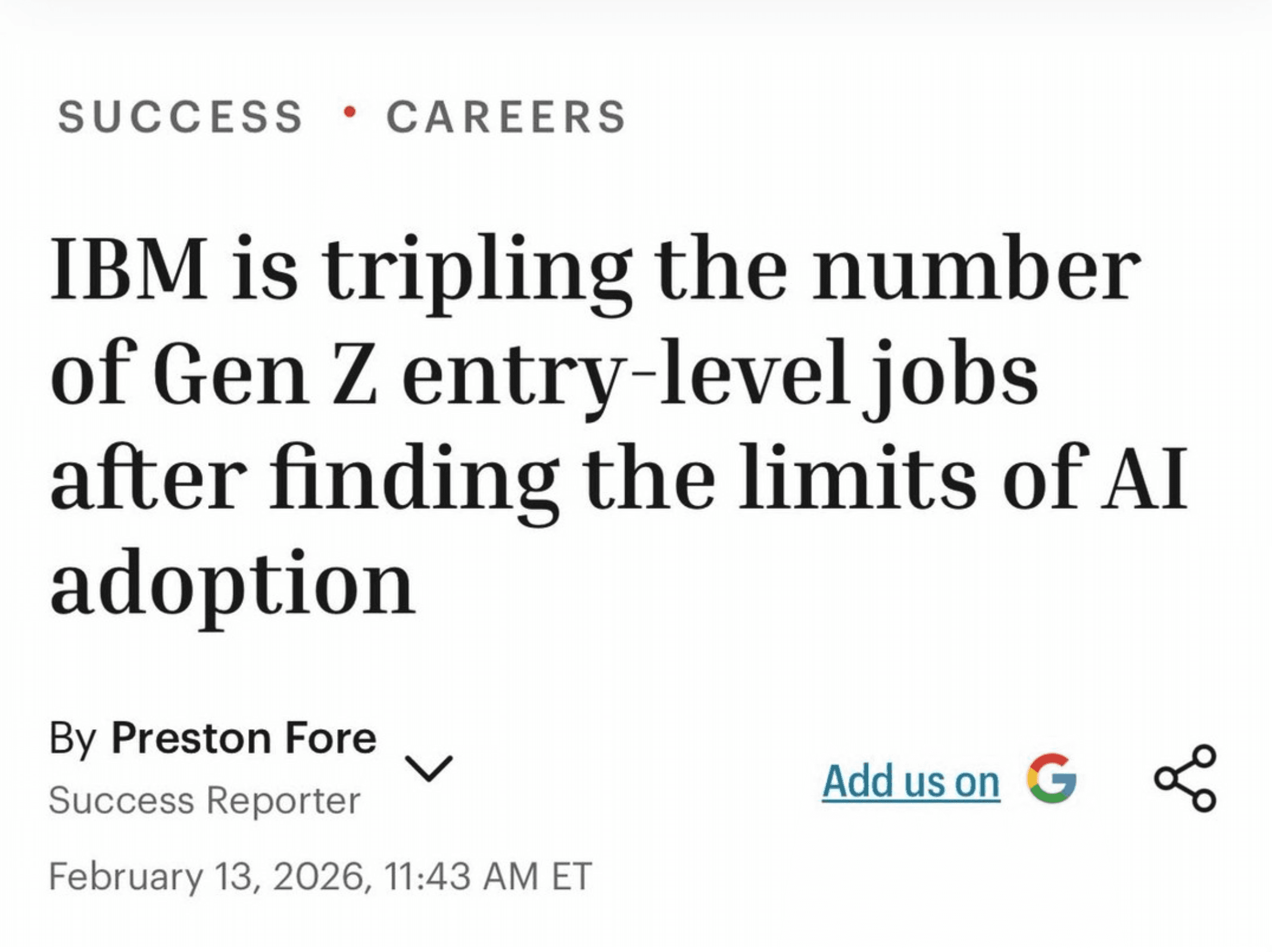
they laid people off 'because of AI' now they're hiring 'because of AI'
480K
views

thoughtlesslabs
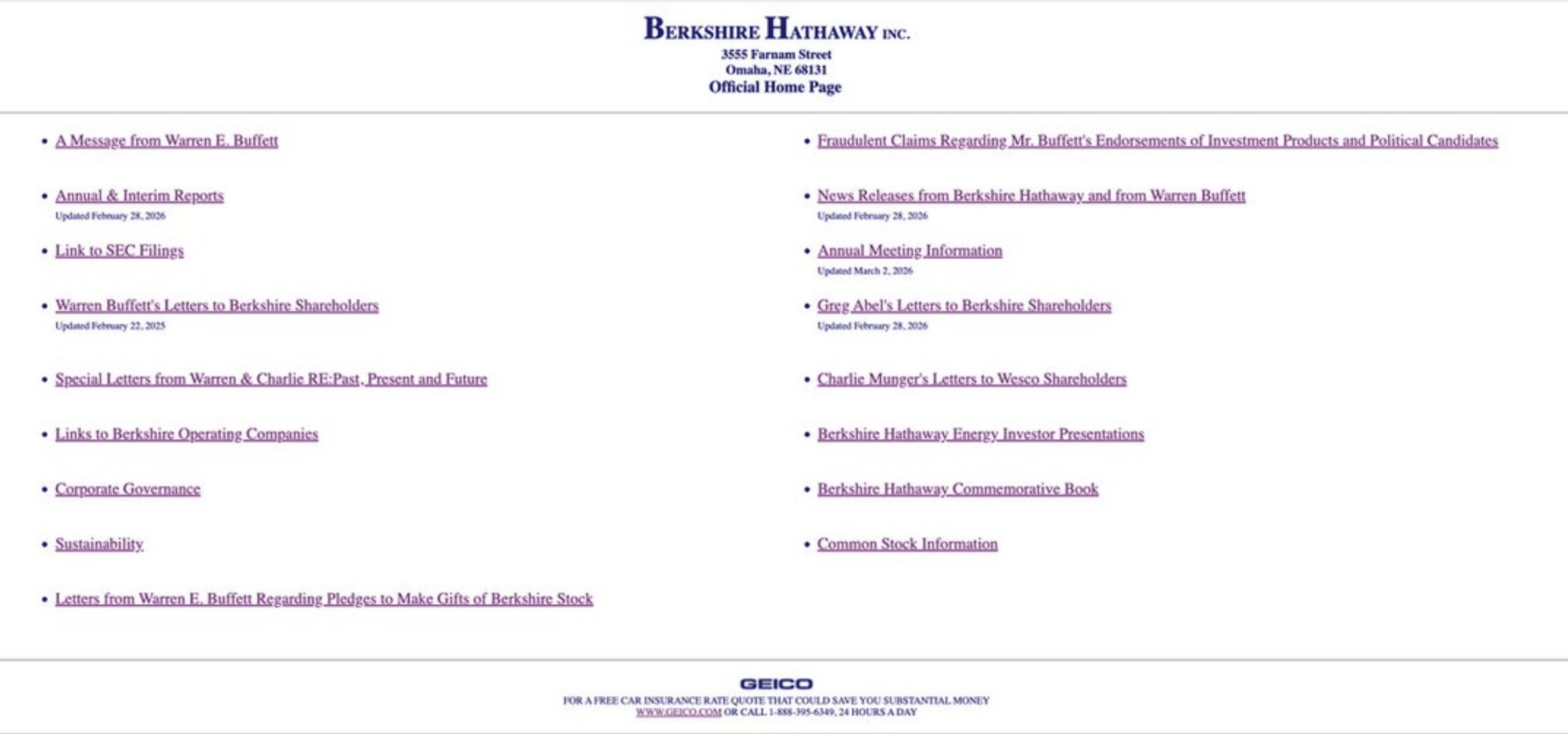
software engineers and front end devs are so cooked. claude just one shotted this entire website. it has never been so over.
168K
views
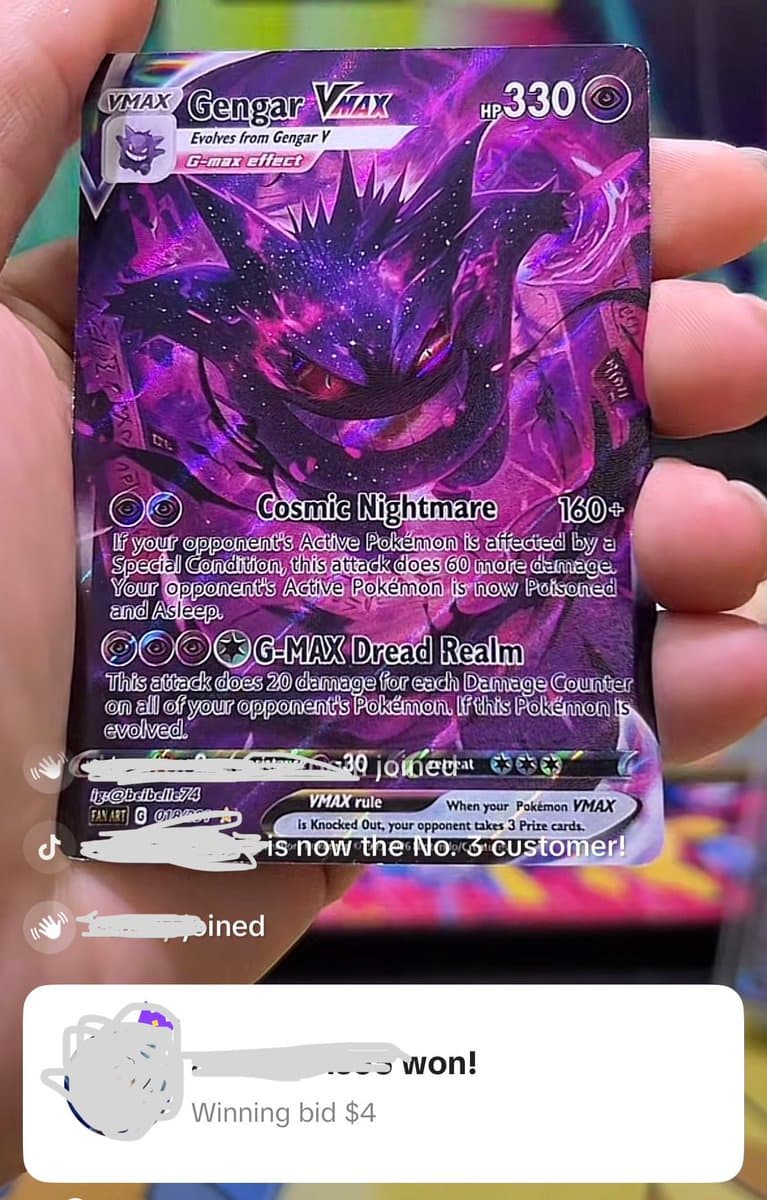
PokeDuels
it's kinda crazy how the single cards market is so hyper inflated that ppl are selling custom cards and ppl actually buy them
145K
views
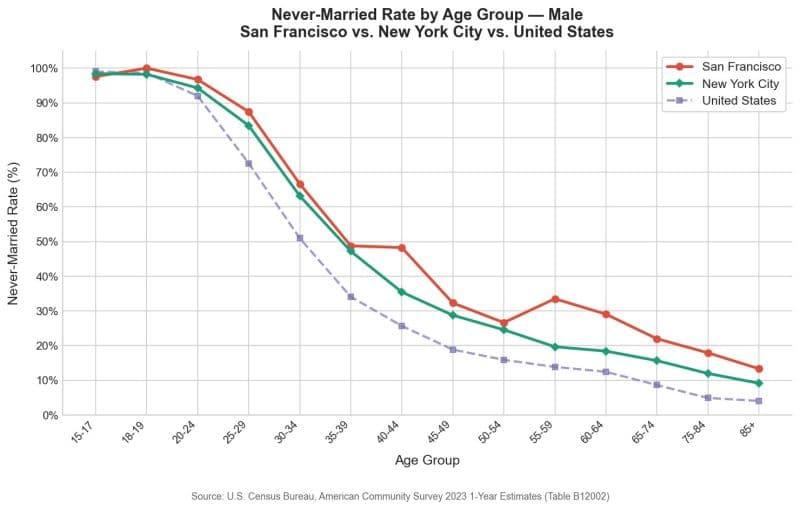
Zach Wilson
Half of the men in San Francisco reach age 40 without ever getting married. This number is 35% in NYC and 25% for the US average. San Francisco is the worst place in the entire country to find love, start a family, and raise children.
958K
views

Kevin Naughton Jr.
how do people do this for 40 years?
691K
views
Simple setup.
Sign up, create your sync flows, and then post the way you would normally.
Choose where every new post goes





Sign up for Ferryman
Create your account and start your seven-day trial.
Connect your accounts and set up a sync flow
Choose the account you want to post from, then select every destination Ferryman should publish to automatically.
Post on your favorite platform
Keep creating where you already like to post. Ferryman detects eligible new posts and sends them through your sync flow.
Whatever you post, Ferryman knows how to cross-post it.
From a one-line update to an image gallery, thread, or vertical video, Ferryman carries each supported format to the destinations you choose.
Text and links
Images and video
Threads and reposts
Every destination gets the version that fits.
Ferryman checks each destination's limits, media support, and thread behavior before anything publishes. You keep posting as usual while Ferryman handles each platform's requirements.
Your original post
Created on your favorite platform
 Threads
Native post
LinkedInFormatted for LinkedIn
BlueskyThreaded if needed
Give each short-form video more than one feed
Creator, Pro, and Max plans can automate supported video routes between TikTok, Instagram, YouTube, Facebook, X, and other compatible destinations, including featured Twitch Clips as an origin.

Detroit Voodie
Automatic video flow
35.5K
views
1,947
likes
829
reposts
Automatic cross-posting, explained
Does Ferryman cross-post every post?
Ferryman processes eligible new posts. A post can be skipped because of your filters, an opt-out marker, destination limits, account access, or platform-specific rules. The Posts page records the result.
Can I choose where each origin sends content?
Yes. Configure the destinations in each sync flow and enable or disable supported routes as your publishing workflow changes.
Does automatic cross-posting include video?
Supported short-form video routes are available on Creator, Pro, and Max. Exact origins, destinations, file limits, and processing behavior vary by platform.
Can I prevent one post from being copied?
Yes. Ferryman supports #noferry as a public opt-out. Eligible paid plans can also configure a private, case-sensitive skip phrase.
Post once, reach everywhere
Spend less time repeating the work around a good post.
Start with a seven-day Creator trial and build the Ferryman workflow that fits how you already create.